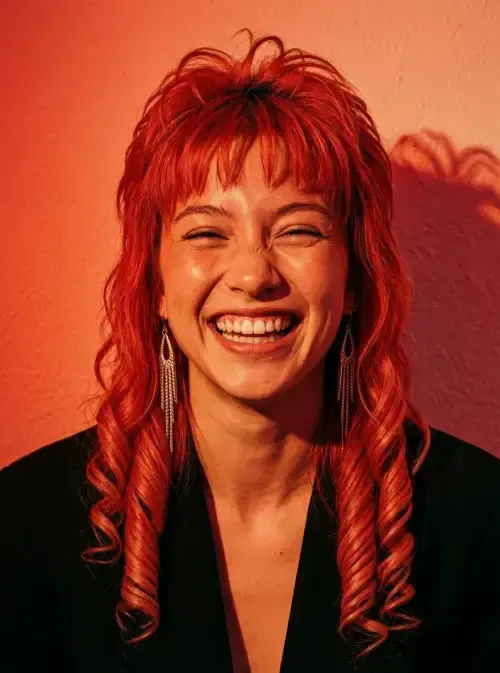
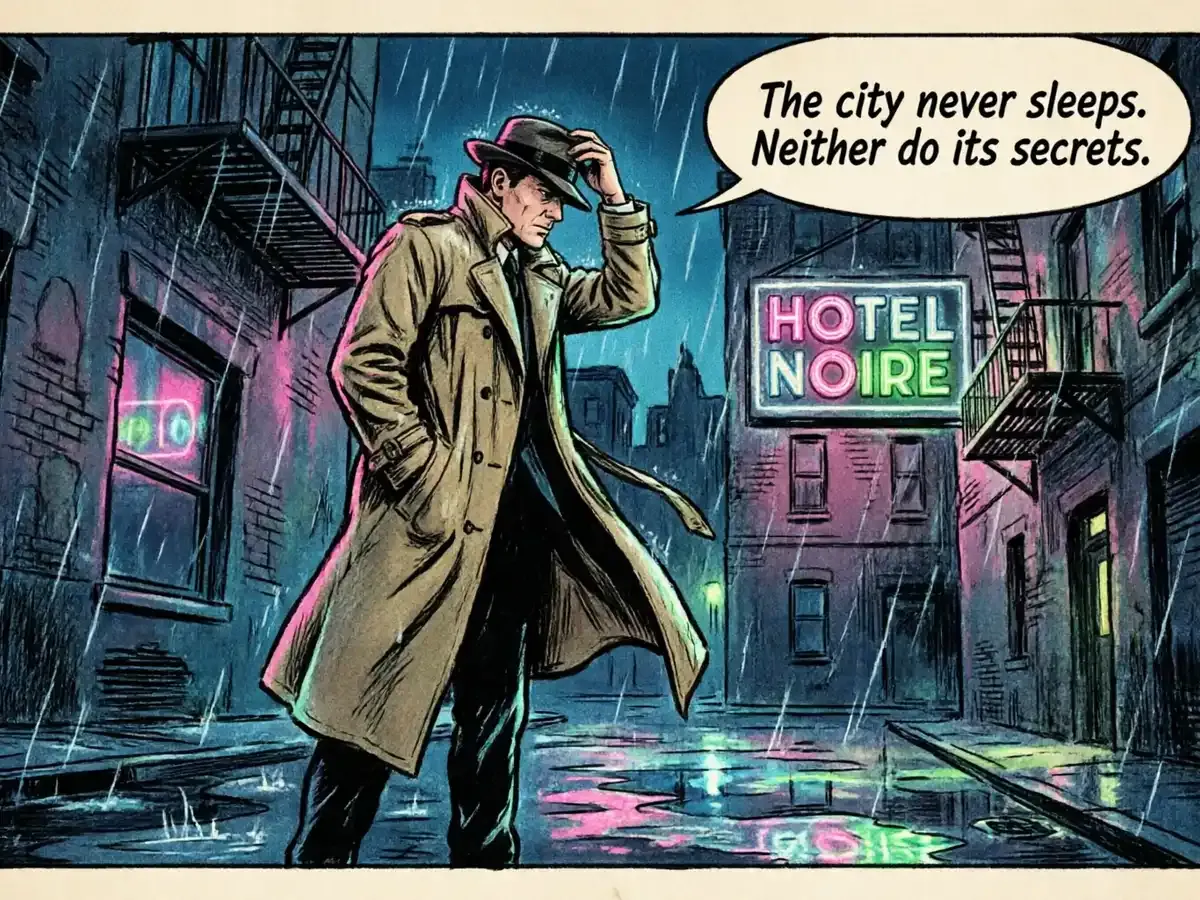
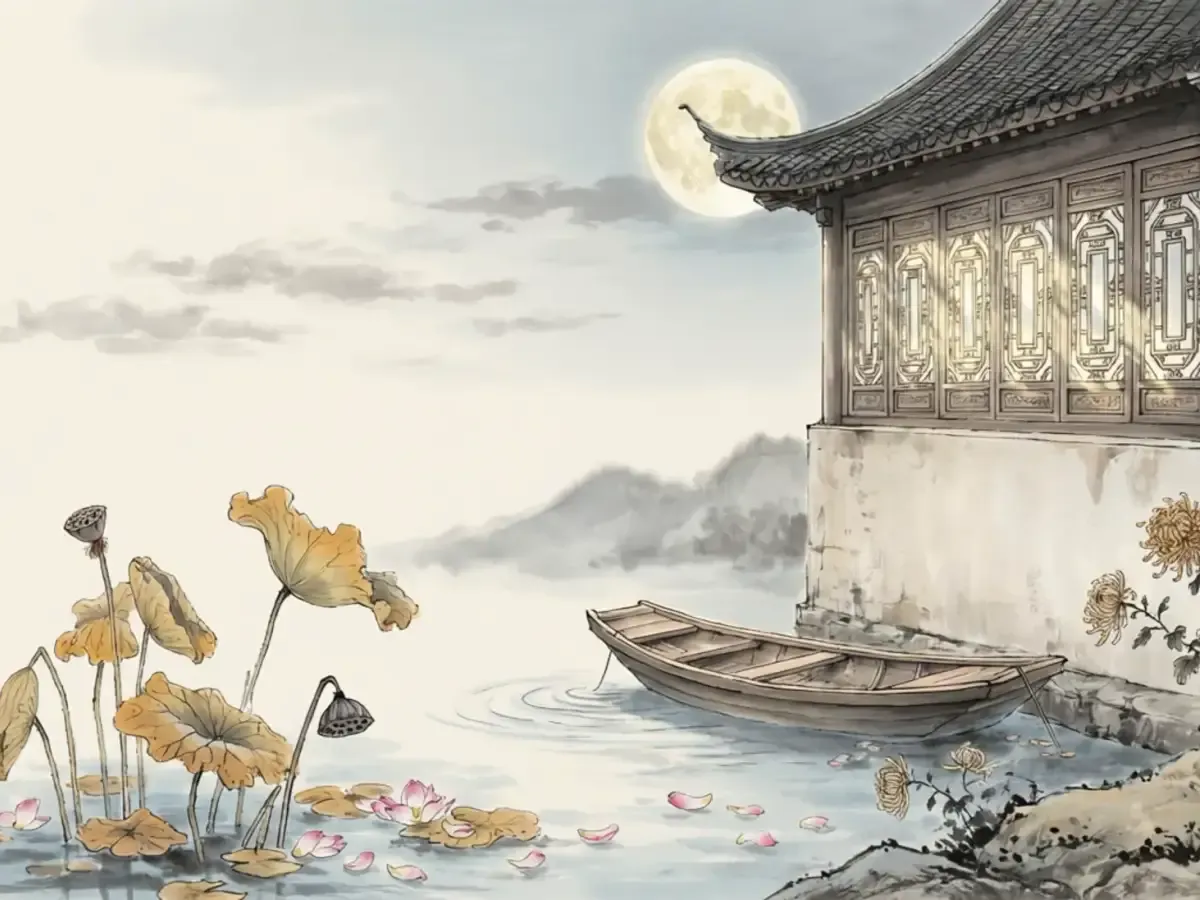
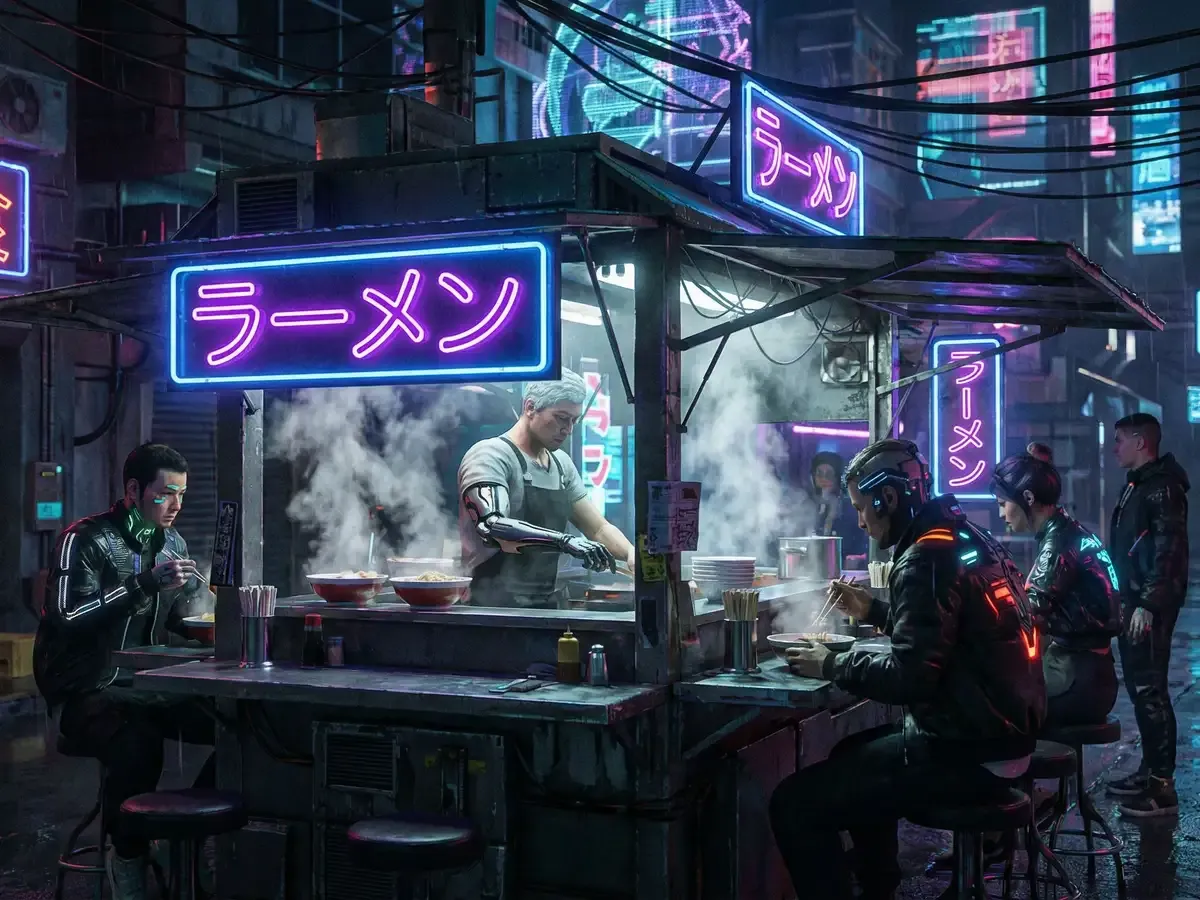

Flow Image
New accounts get free credits to try it out.

Flow Image Turns Prompts and Photos Into Images

Pick one of 15 image models, starting with Nano Banana 2. Type a prompt or upload your own photo, set a resolution up to 4K depending on your plan, then generate and download. Made for shop owners, creators and teachers.

View Plans

How Flow Image Generation Works on This Site

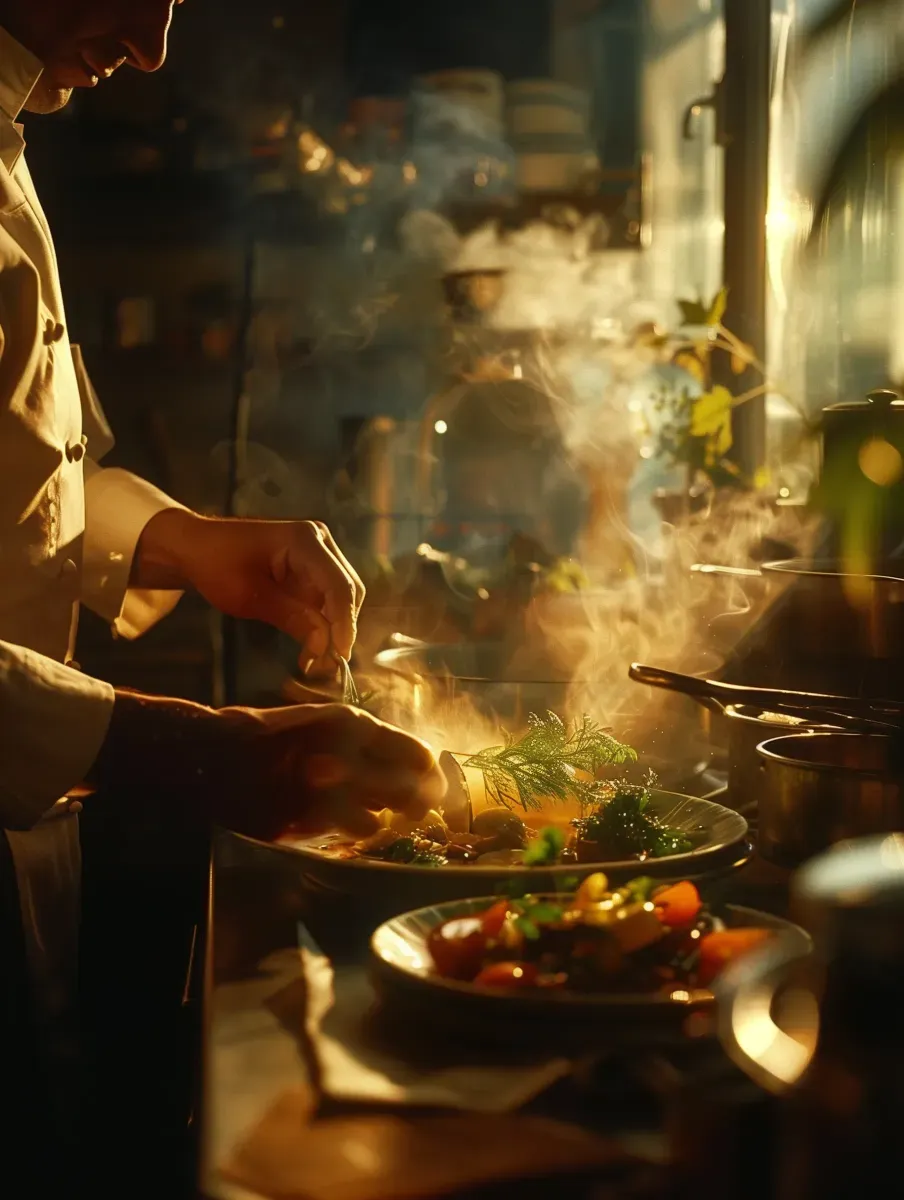
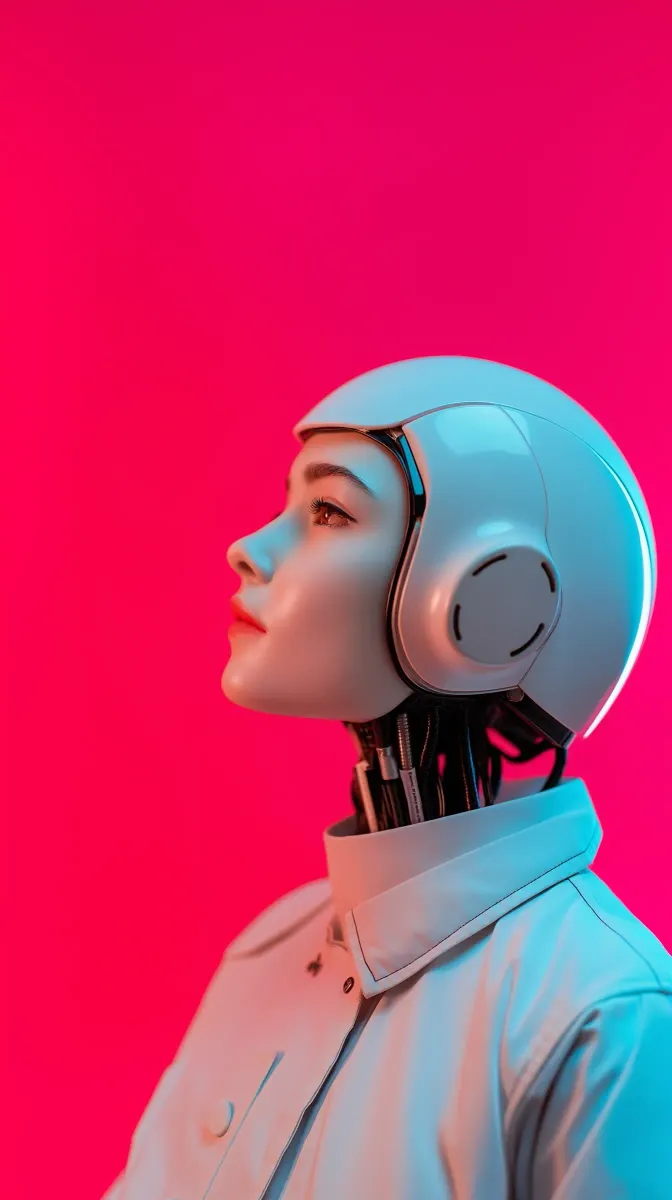
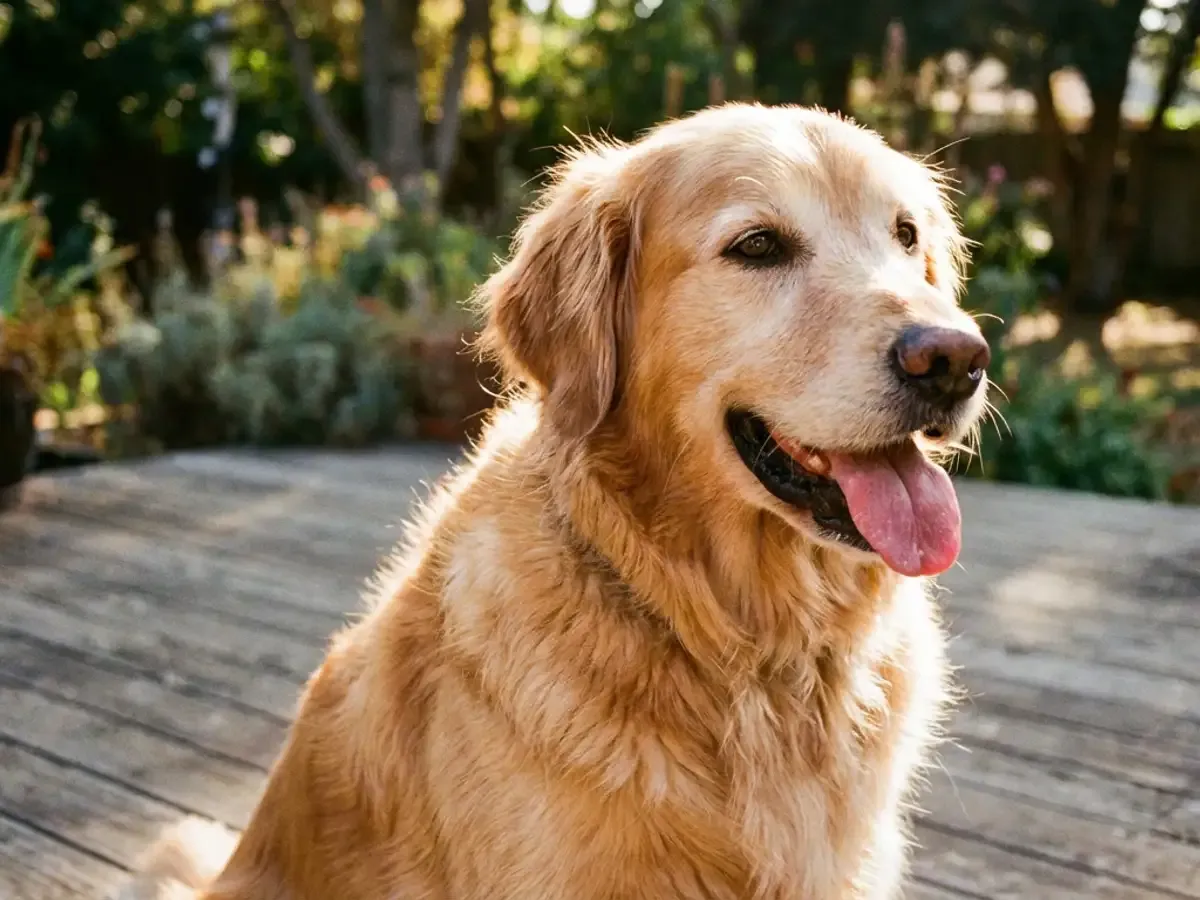
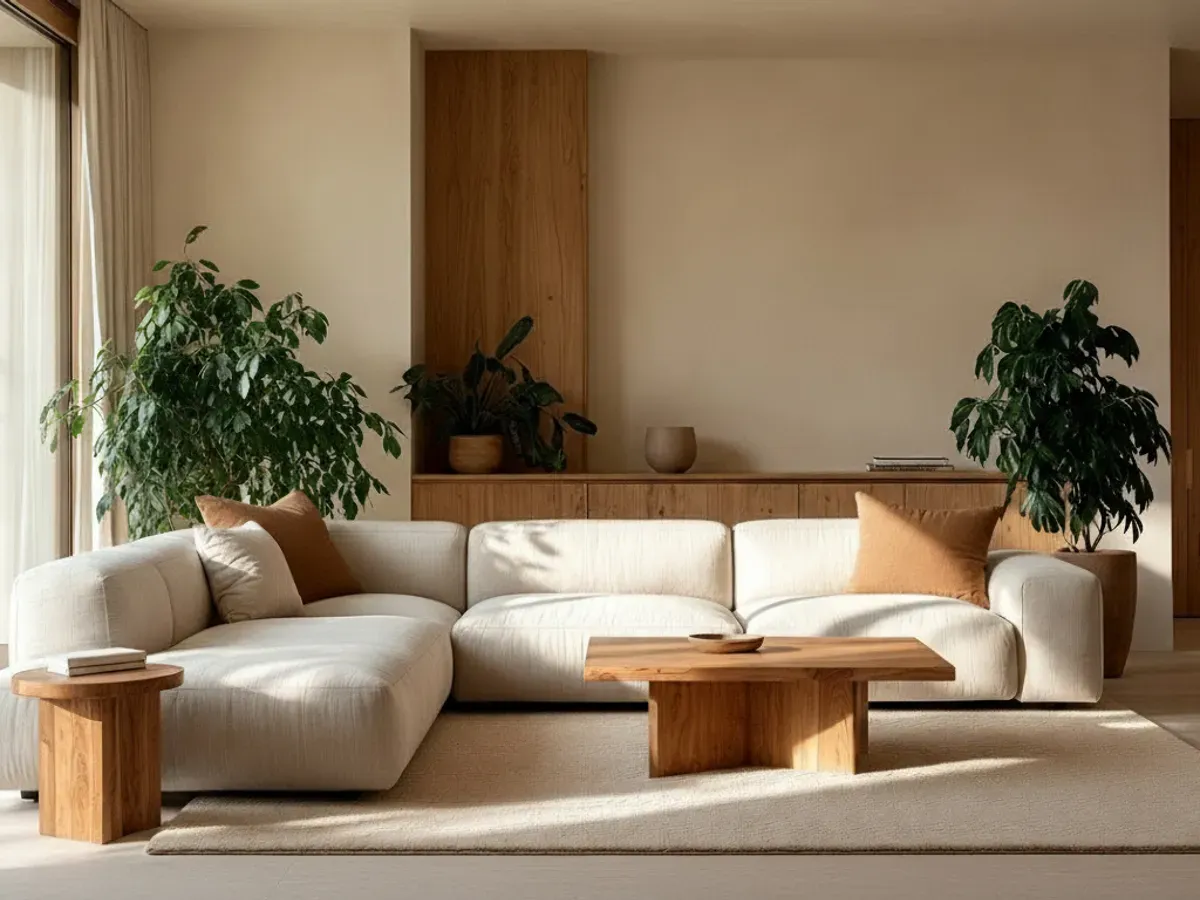
A flow image is a picture you make here by writing a prompt or uploading a photo and letting an AI model draw it. Flow Image is an independent AI image generator with 15 models from 7 families in one picker: Nano Banana, GPT Image, Seedream, Qwen, Flux, Z-Image and Grok Imagine. Nano Banana 2 is the default choice; the others sit in the same menu. Set the aspect ratio and resolution, press generate, and the flow AI image generator returns a still you can download. To compare engines, run the same prompt on a second model. Everything here is a still picture, not video, and this is a separate site from any other product that uses the word Flow.

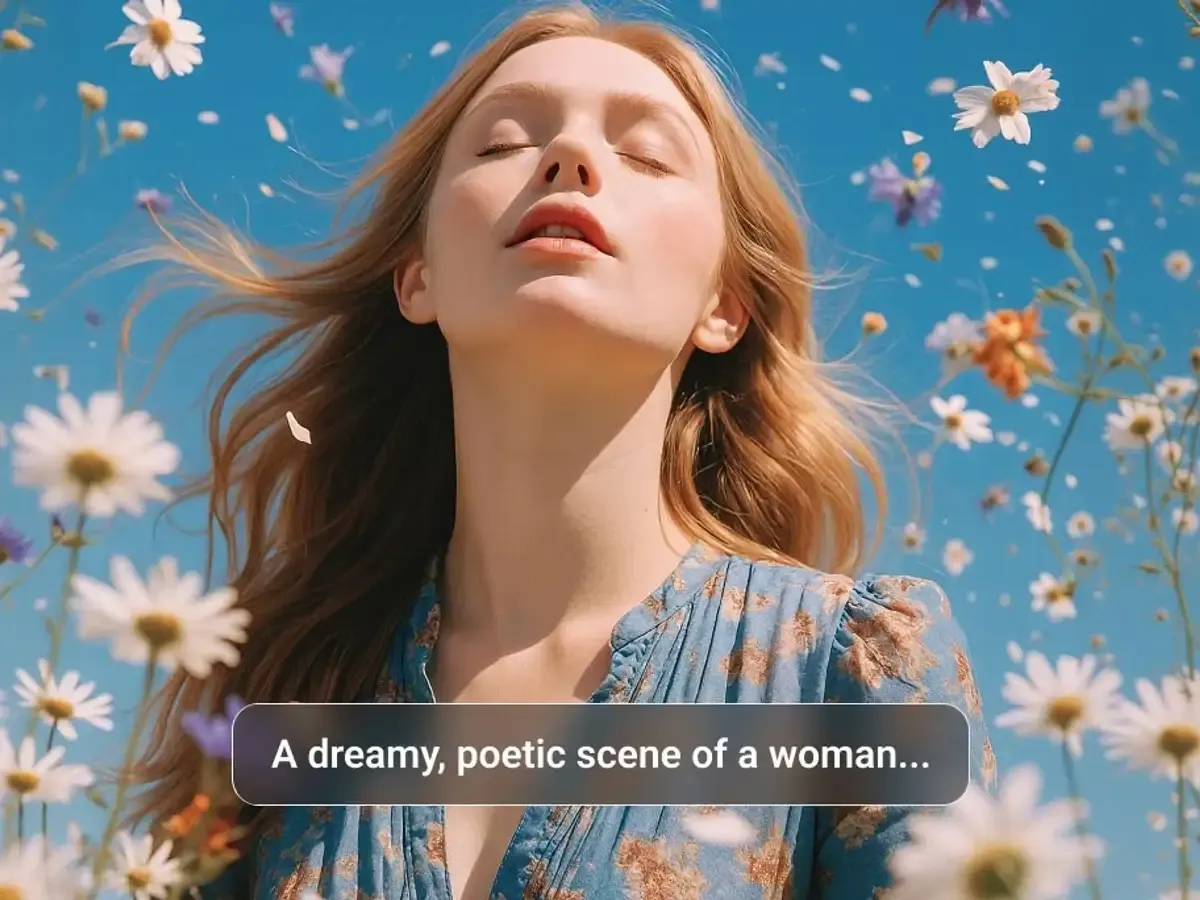
Flow Image prompt caption over a finished picture of a woman among floating daisies

Three Ways to Make a Flow Image

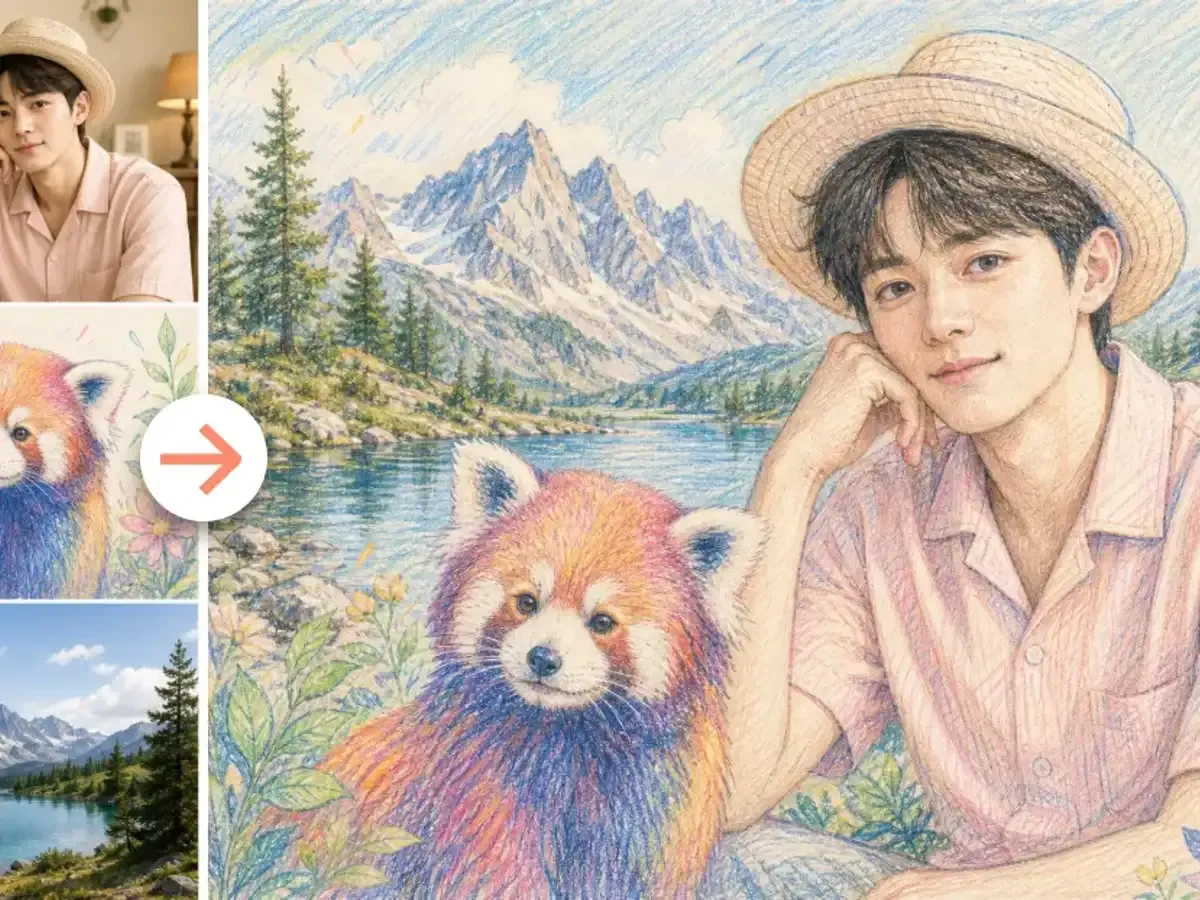
Start from words, start from your own picture, or steer Nano Banana 2 with reference images you upload.

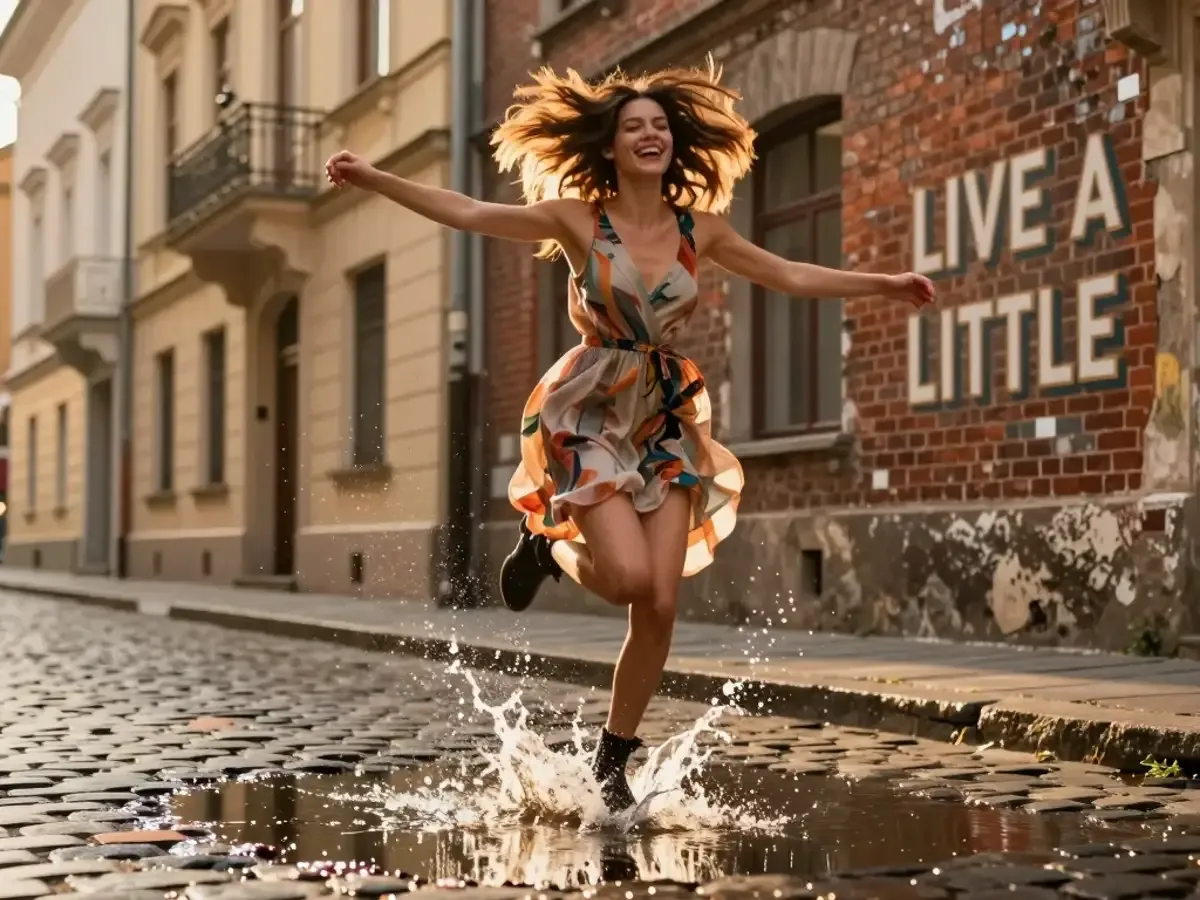
Flow Image text-to-image result: a woman splashing through a puddle by a LIVE A LITTLE wall

Describe a Scene, Get a Flow Image

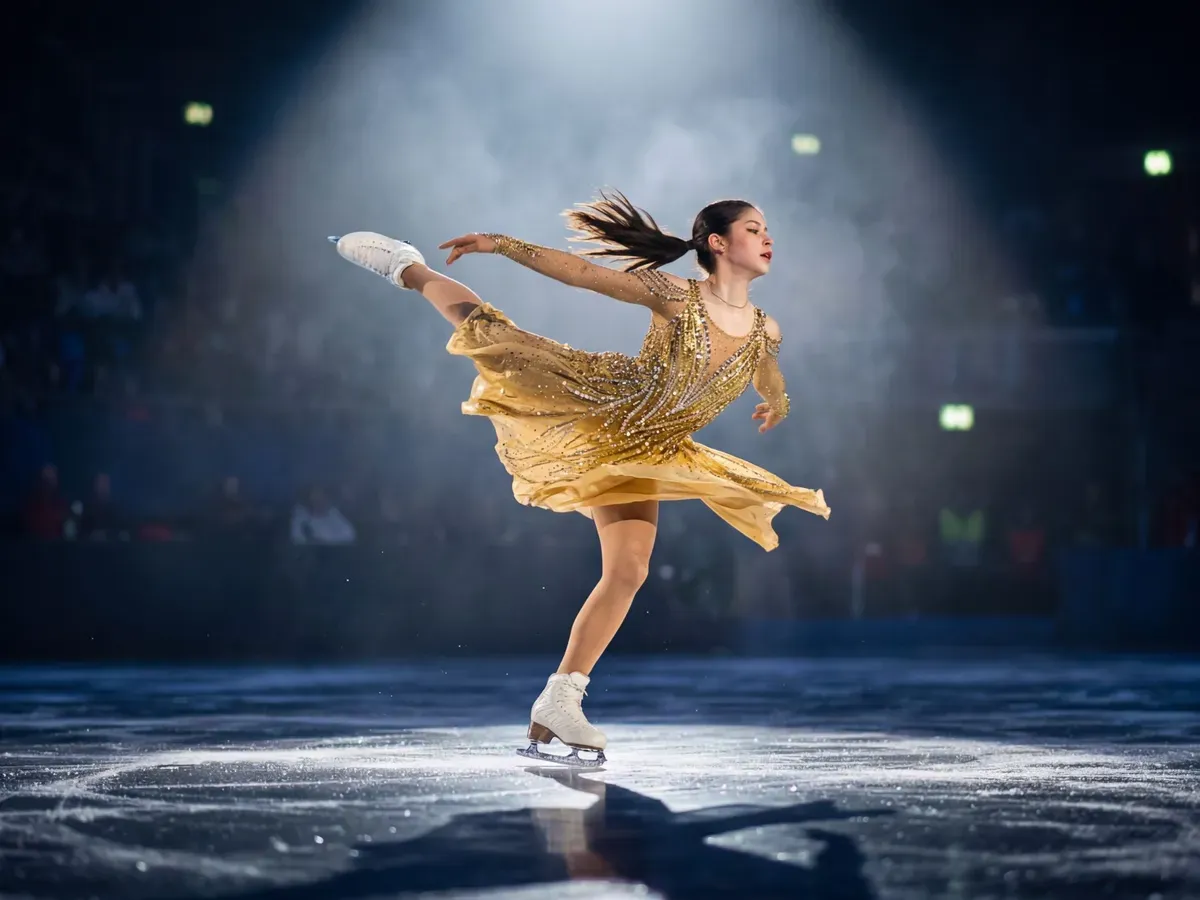
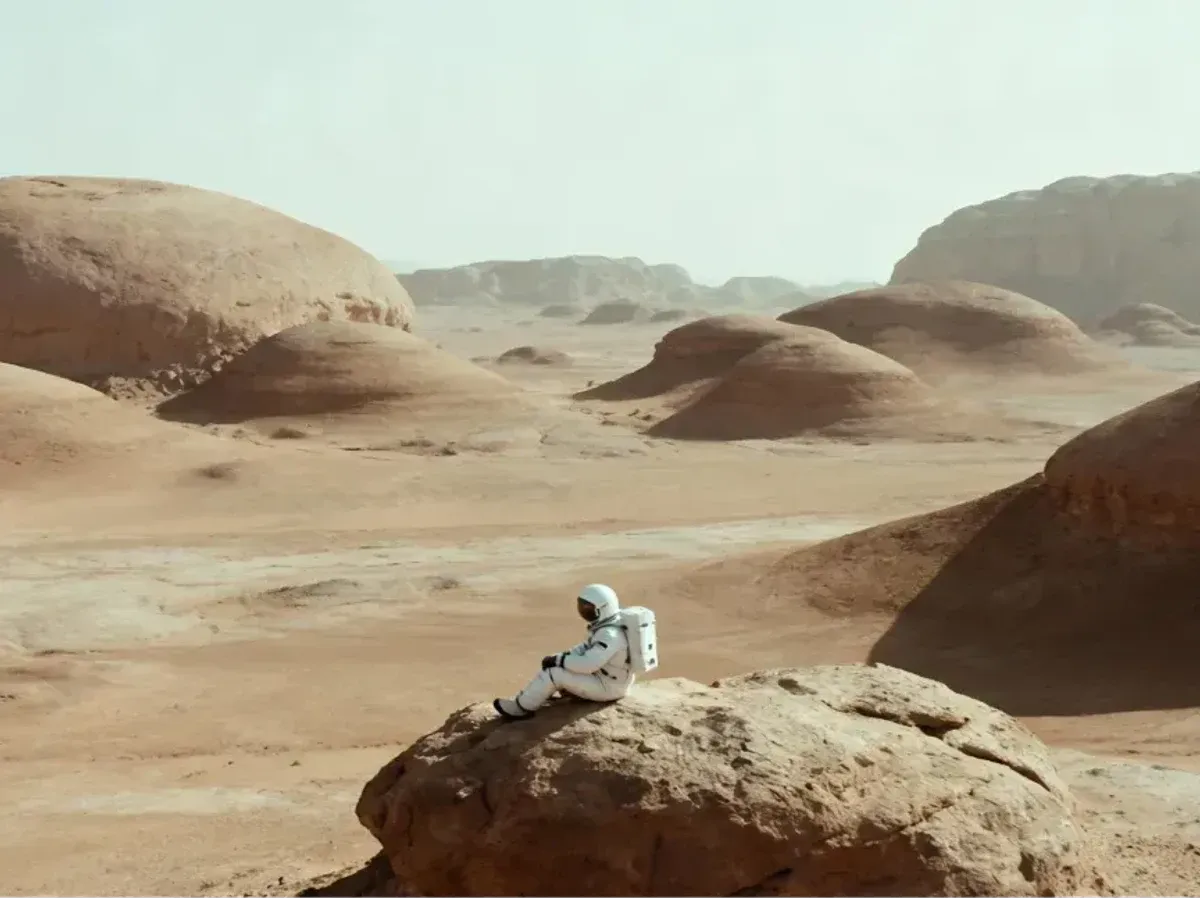
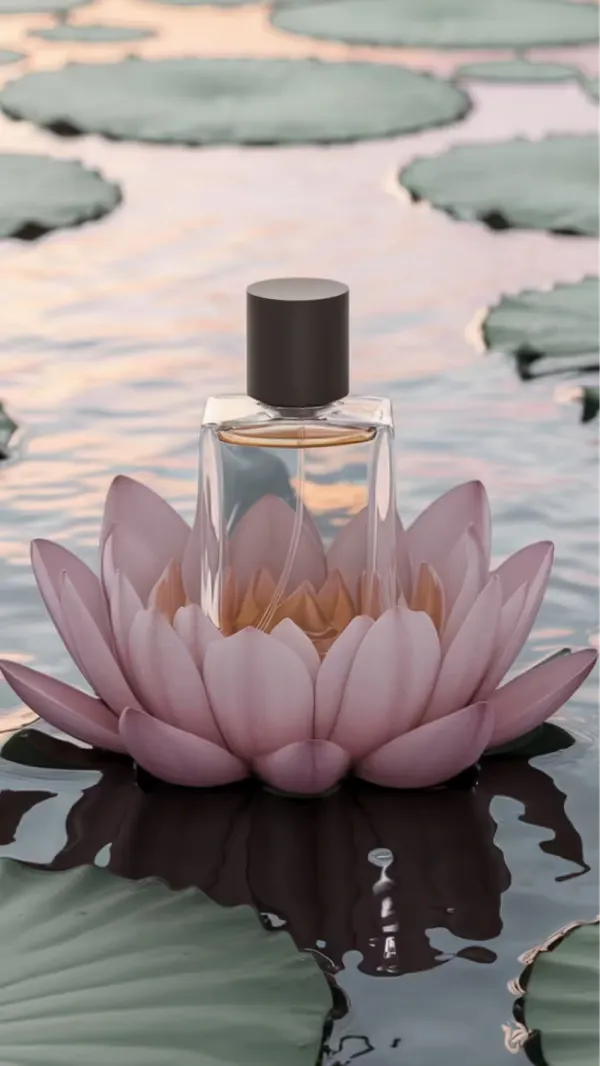
Write what you want to see, from the subject and setting to light and style, then choose the model that suits the job. It is the simplest place to begin.

Highlights

  • Any Model

    Every model in the picker takes a text prompt, from Nano Banana to Grok Imagine.

  • Readable Text

    Nano Banana Pro is tuned for fine detail and lettering on posters and labels.

  • Draft, Then Refine

    Try an idea on Z-Image 1.0 or Nano Banana 2 Lite, then run the final version on another model.

What the Flow Image Generator Can Do

Six capabilities built into this flow AI image generator.

01Models

15 Models, 7 Families

Browse the picker by family, from Nano Banana and GPT Image to Seedream and Flux.

02Resolution

1K, 2K or 4K Output

Seedream 4.5 and 5.0 Lite give 2K on Free and 4K from Basic; Nano Banana 2 and Nano Banana Pro reach 4K on Pro and Business.

03Editing

Edit Your Own Image

Upload a photo and edit it with GPT Image 2, Flux, Qwen, Grok Imagine or Seedream models.

04References

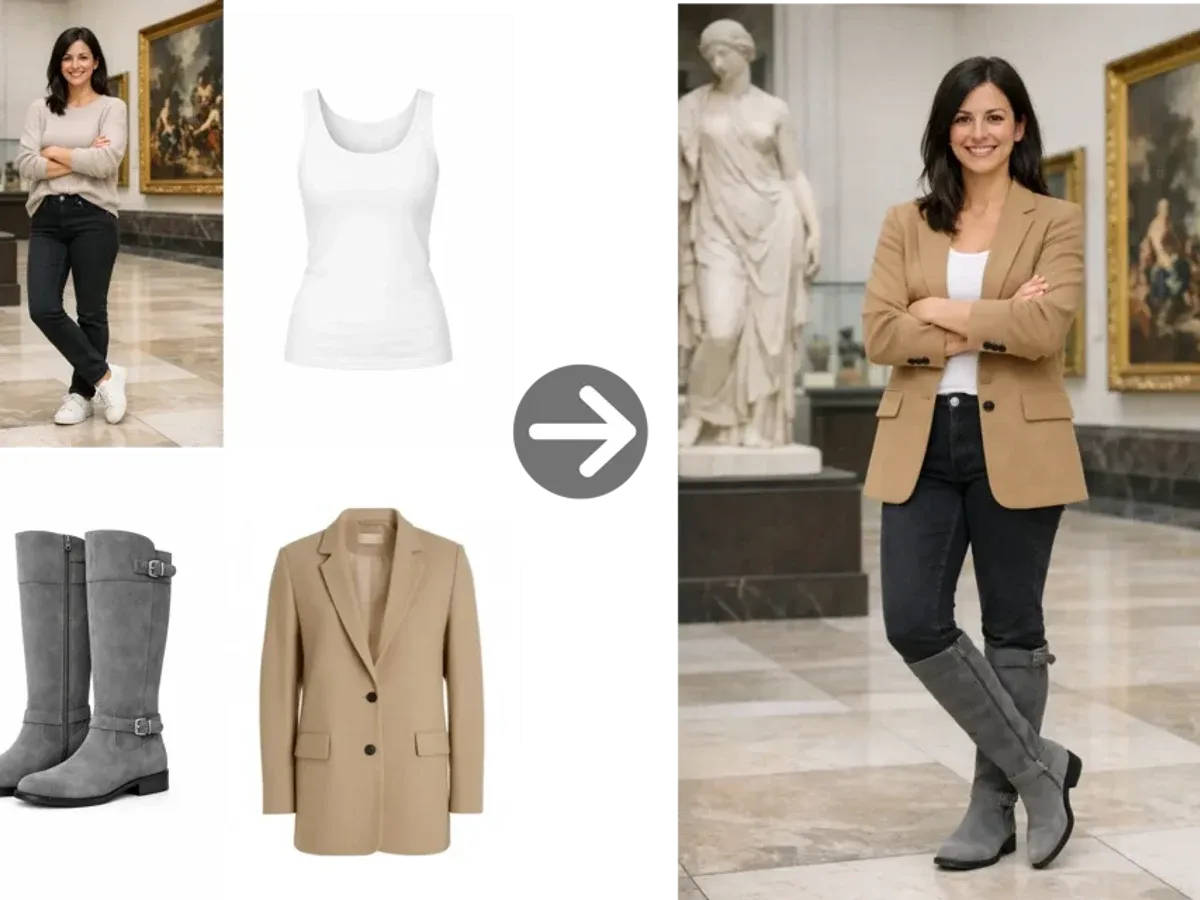
Reference Image Stack

Nano Banana 2 takes up to 6 reference images in one run, such as a product, a face and a mood board.

05Layers

Layer Decomposition

Seedream 5.0 Pro can split an image into separate layers, handy when a designer wants to rework parts later.

06Compare

One Prompt, Many Models

Run the same flow image prompt on Nano Banana 2, then on Seedream or Flux, and keep the version you like.

Default model

Nano Banana 2

The model that loads first, with up to 4K output and up to 6 reference images.

How to Make a Flow Image in Three Steps

From an empty prompt box to a saved file.

  1. 01
    Step

    Choose Your Model

    Nano Banana 2 is already selected. Keep it, or open the picker and choose another family such as Seedream or Flux.

  2. 02
    Step

    Write, Upload and Set the Size

    Type your prompt or upload an image, then set the aspect ratio and a resolution your plan includes.

  3. 03
    Step

    Generate and Download

    Press generate, look over the result, and download the file. Not quite right? Adjust the prompt or switch models and run it again.